February 22, 2025
Solved

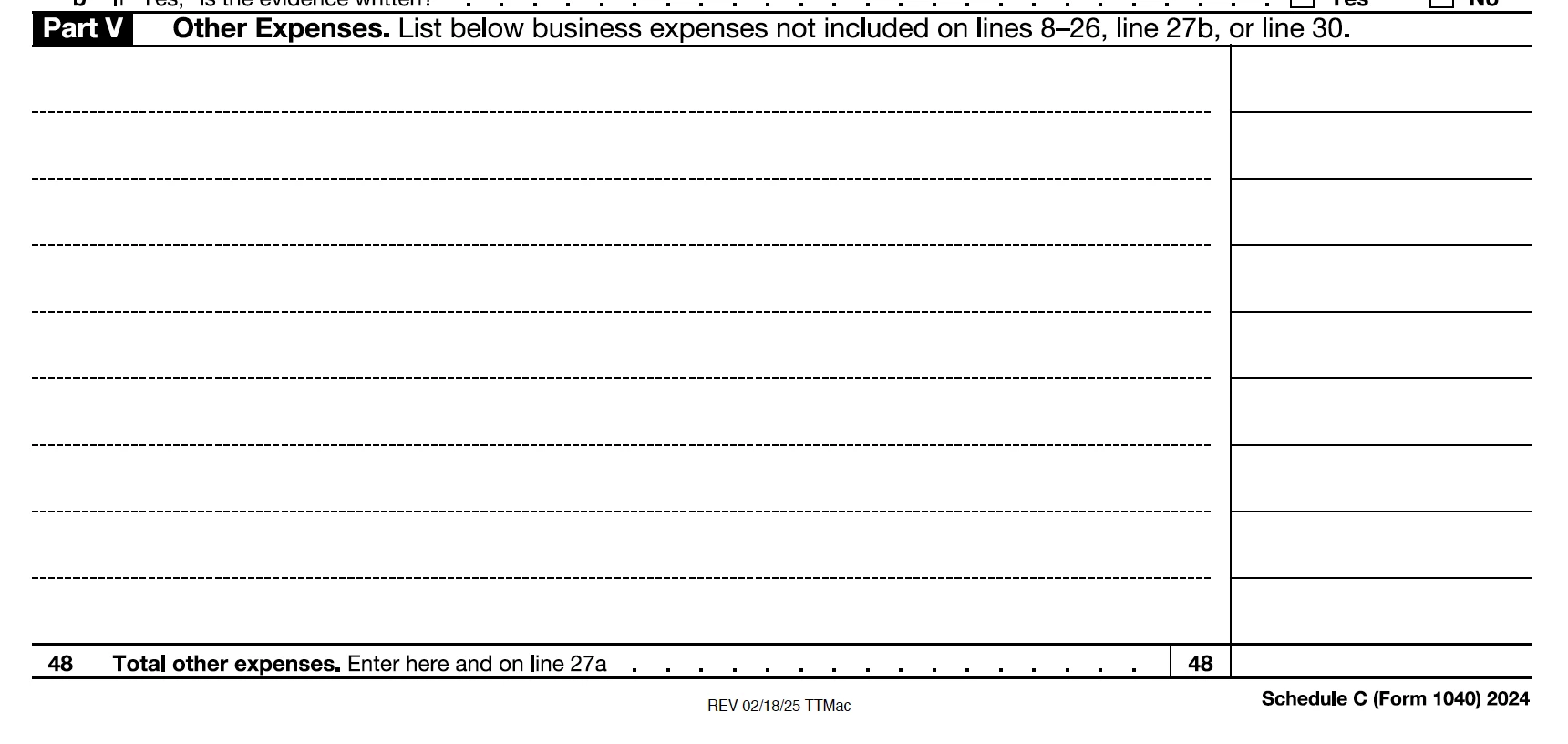
How do I input/enter job-related expenses in Schedule C Part V?

  • February 22, 2025
  • 1 reply
  • 0 views
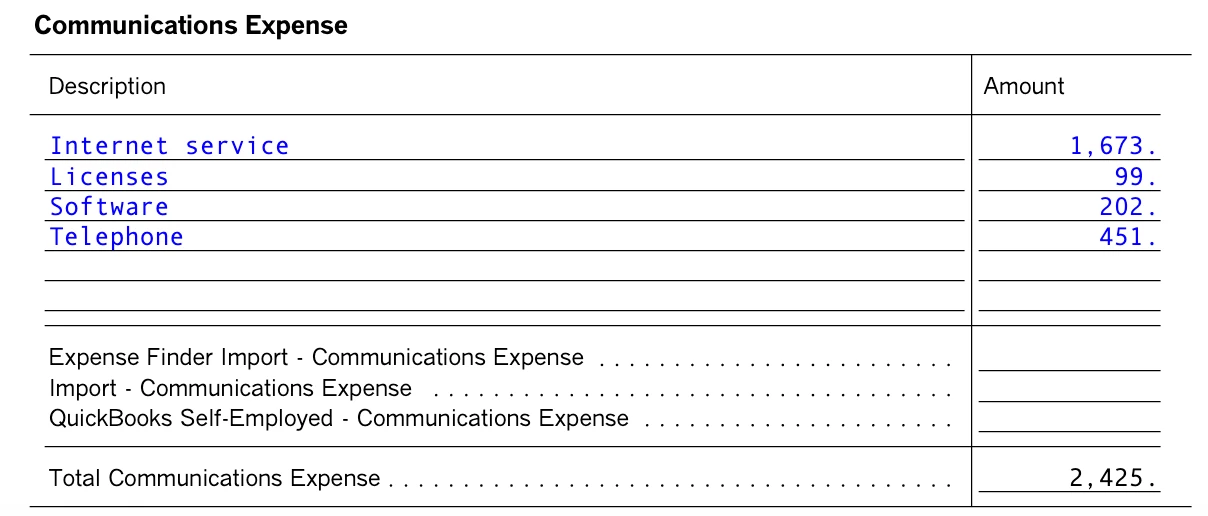
IE: Internet service, Licenses, Software, Telephone
    Best answer by VolvoGirl

    Thanks for the additional tips to see the Forms - However,

    The entries only appear on the "Worksheet" (Wks) but not on the completed Schedule C form at File/Save for Your Records/Print and Archive Center/Print Returns - prior to filing.

    I'm also not sure what you mean by "overrides".  The items are populated on the Wks and don't need to be changed.  But again, they don't appear on Schedule C.

    See screenshots included:


    My frustration level is increasing substantially.  I am not easily intimidated by technology, yet find very little to be INTUITive about working with Turbo Tax.


    Any other suggestions are appreciated.


    Communication and Utilities go to schedule C line 25 even though they are split out separately in the interview steps. 

    Oh, Licenses and software don’t go under Communications.  I didn’t catch them on your original post.   You can put those under Office Expenses or Supplies or Taxes and Licenses or Other Misc Expenses.  

    Overrides are when you change an amount on the form that is automatically filled in and calculated by Turbo Tax.   

    1 reply

    VolvoGirl
    Employee
    February 22, 2025

    Those should go under Communications.  What version are you using?   You can enter Self Employment Income into Online Deluxe but if you have any expenses you will have to upgrade to Premium version. Or use any of the Desktop CD/Download programs.


    Where to enter business expenses
    https://ttlc.intuit.com/community/entering-importing/help/where-do-i-enter-my-self-employment-business-expenses-like-home-office-vehicle-mileage-and-supplies/01/27109


    mvpatlAuthor
    February 22, 2025

    Thank you VolvoGirl.

    I am trying to use turbotax Home & Business - latest download.  Seems you have to go around your elbow to find specific items, as there is no Search function without going online.

    I'm comparing items from last year's forms prepared by my CPA (after 40 years she decided to retire).

    Following your advice, I listed those items under Communications.  I'll have to confirm that they appear on Schedule C when I review the return prior to filing.  (Still don't understand why I can't go directly to that Part V [or any other form/line] in the program. ?)

    Thanks again for your suggestions!

    VolvoGirl
    Employee
    February 22, 2025

    There is a Forms mode.  Click on Forms in the upper right.  You can enter directly on the forms but don’t make any overrides. Or you can’t efile.  

    But to enter expenses in the interview steps 

    For the Home & Business version:

    Go to Business tab- then Continue

    Business Income and Expenses - Click the Start or Update button


    Then click EDIT by the business name and the next screen should be a list of  topics,

    Business Profile, Income, Inventory/Cost of Goods Sold, Expenses, Assets, and Final Details last.


    Under Business Expenses, Click Start or Update by Other common business expenses.  You should see the list of expenses and amounts you entered.

    Then click the start or update button by the expense you want to add or edit.