Hi @ThomasM125 ,
Went trough the screens but mines look a little bit different. So under "Estimates and Other Taxes Paid" I see the following:
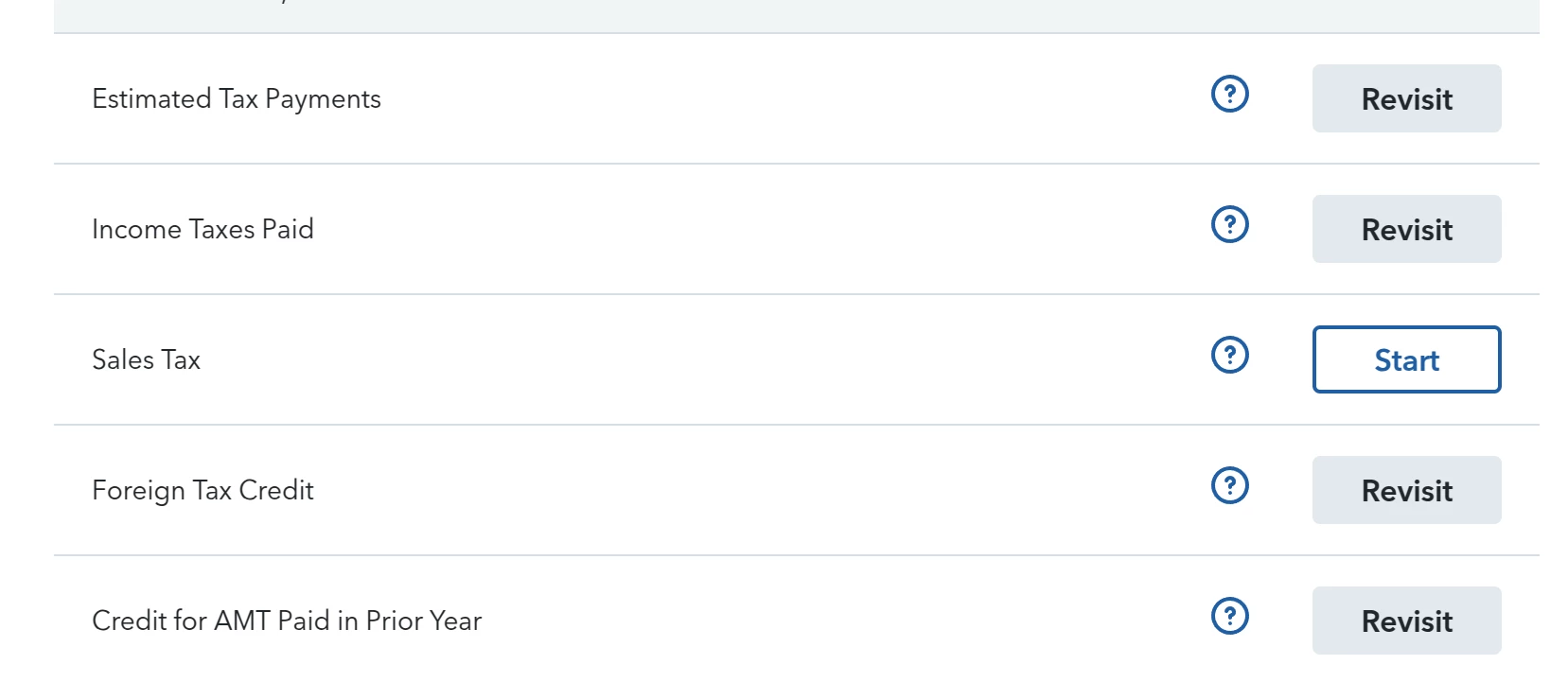
I clicked "Foreign Tax Credit" and I see:
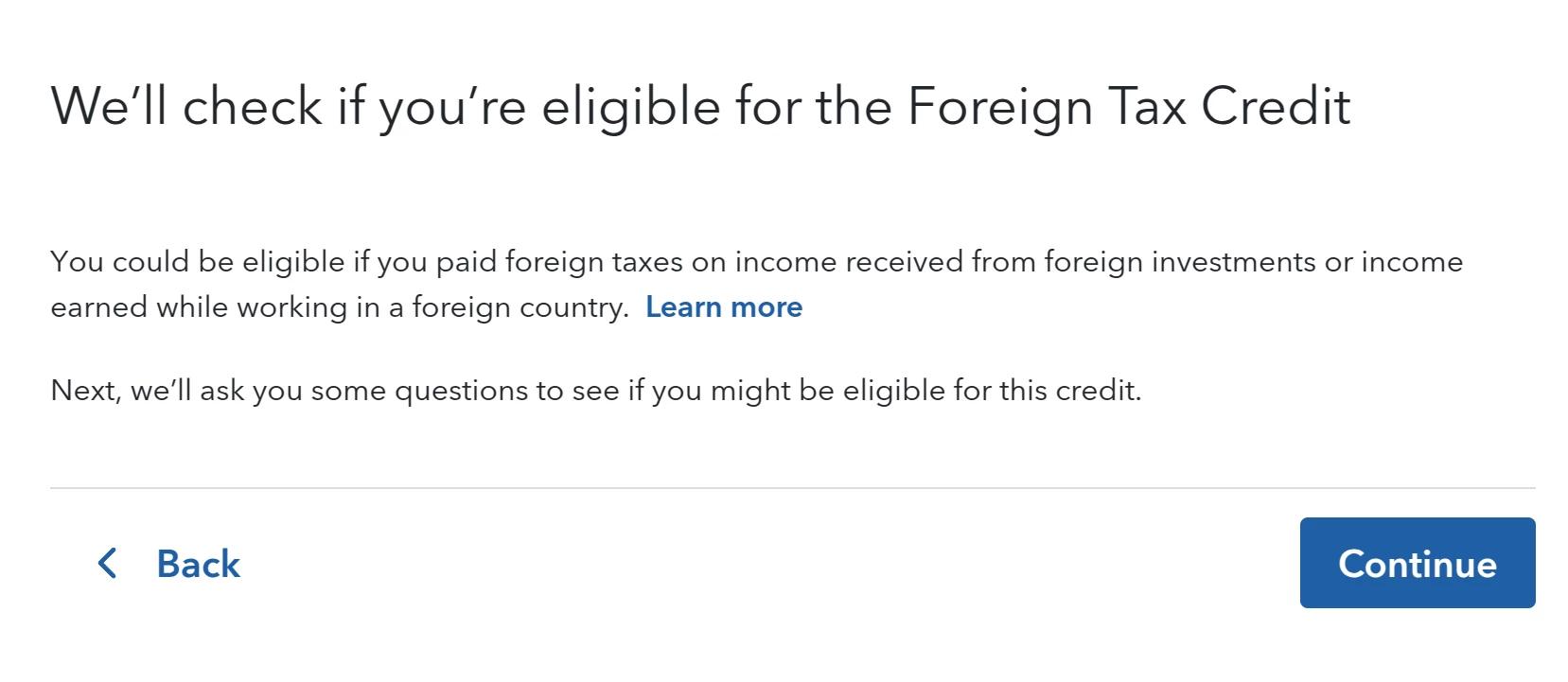
I press continue and this is the next screen:
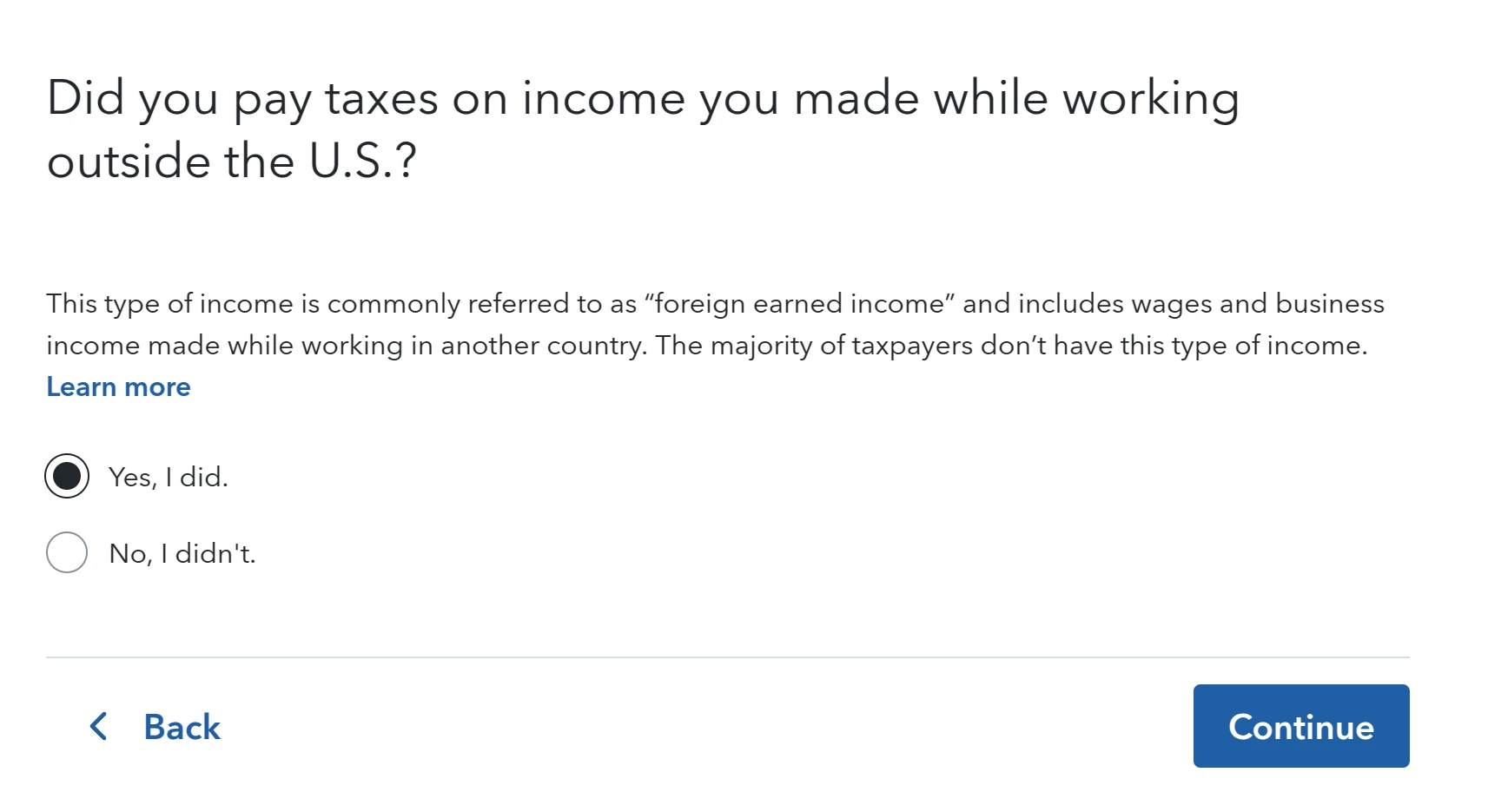
I choose "Yes" and press "Continue". Then I'm redirected to the following 2 screens, on each of them I press "Continue" since there isn't any other option:
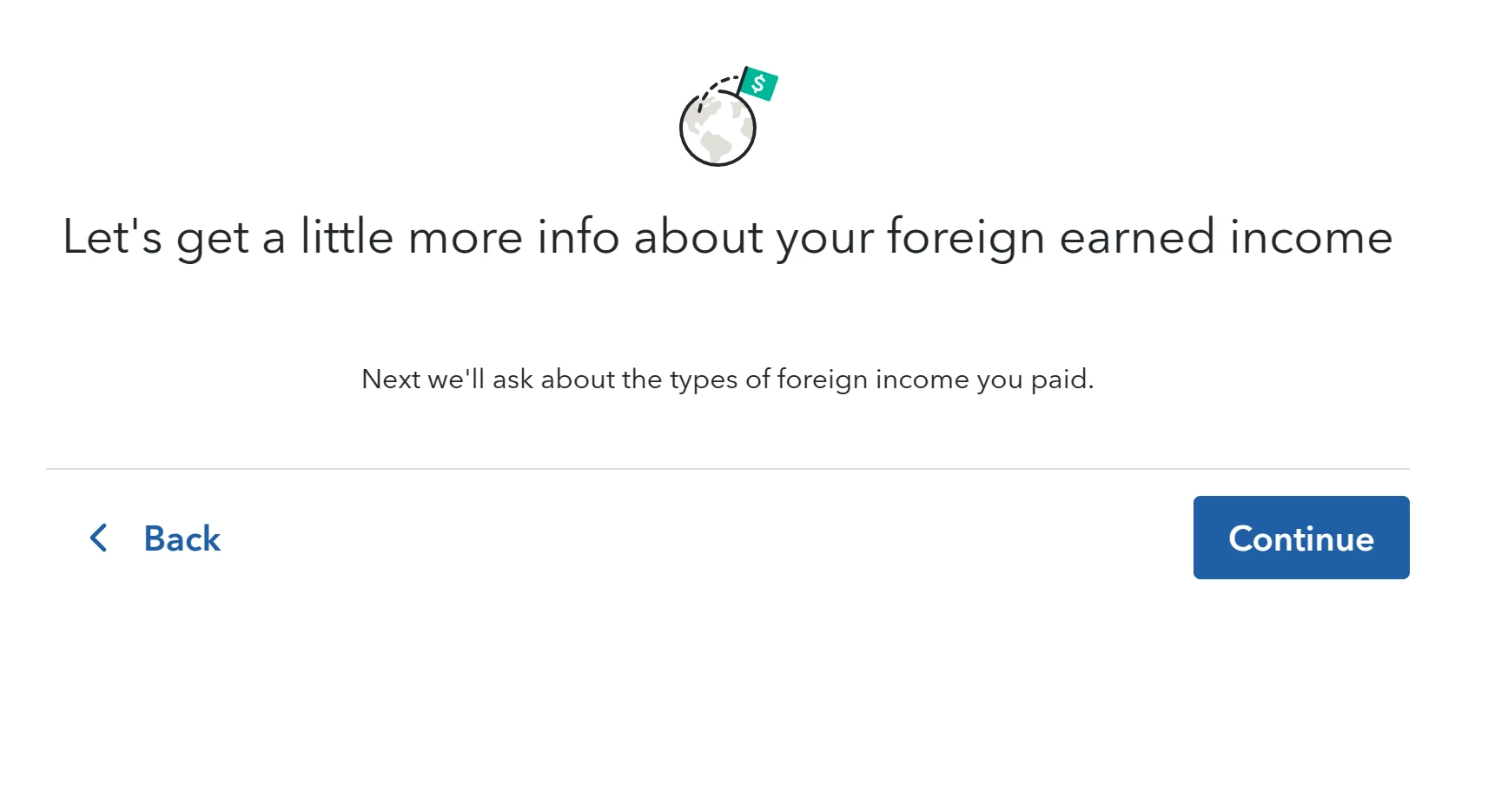
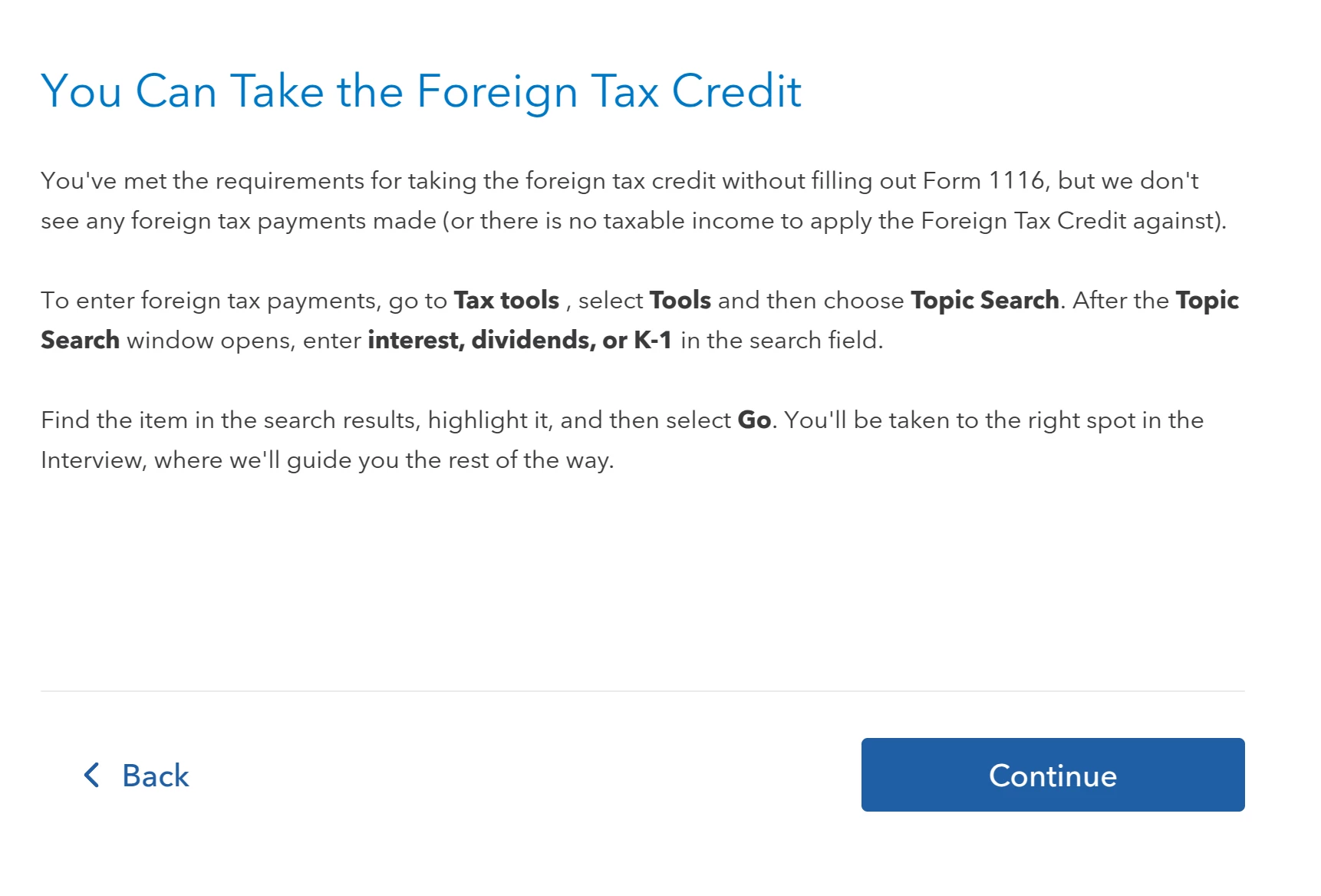
When I press "Continue" on the second screen I'm kicked out of this questionnaire and I'm redirected to the screen with all deductions.
Are the screenshot you posted from the current Turbotax online version ? My screens look totally different...
Regards,
Hristo.
Yes, in TurboTax Online you won't be able to enter your Foreign Tax Credit Credit Carryover in the interview, since you have no Foreign Income/Tax to report for 2024
However, if you transferred in your 2023 return, you'll see the FTC Carryover on the Foreign Tax Credit Computation Worksheet, after you pay for your return and View/Print/Save your return.
I would advise noting the carryover amount anyway, to be used when you do have Foreign Income/Tax to report.
@hristoterezov