
February 7, 2025
Question

I do not see option to enter individual transactions for 1099-K

  • February 7, 2025
  • 1 reply
  • 0 views

I received 1099-K from eBay for personal item sales. I have the option to enter this in turbotax and I see the entry on the 1099-K summary screen.


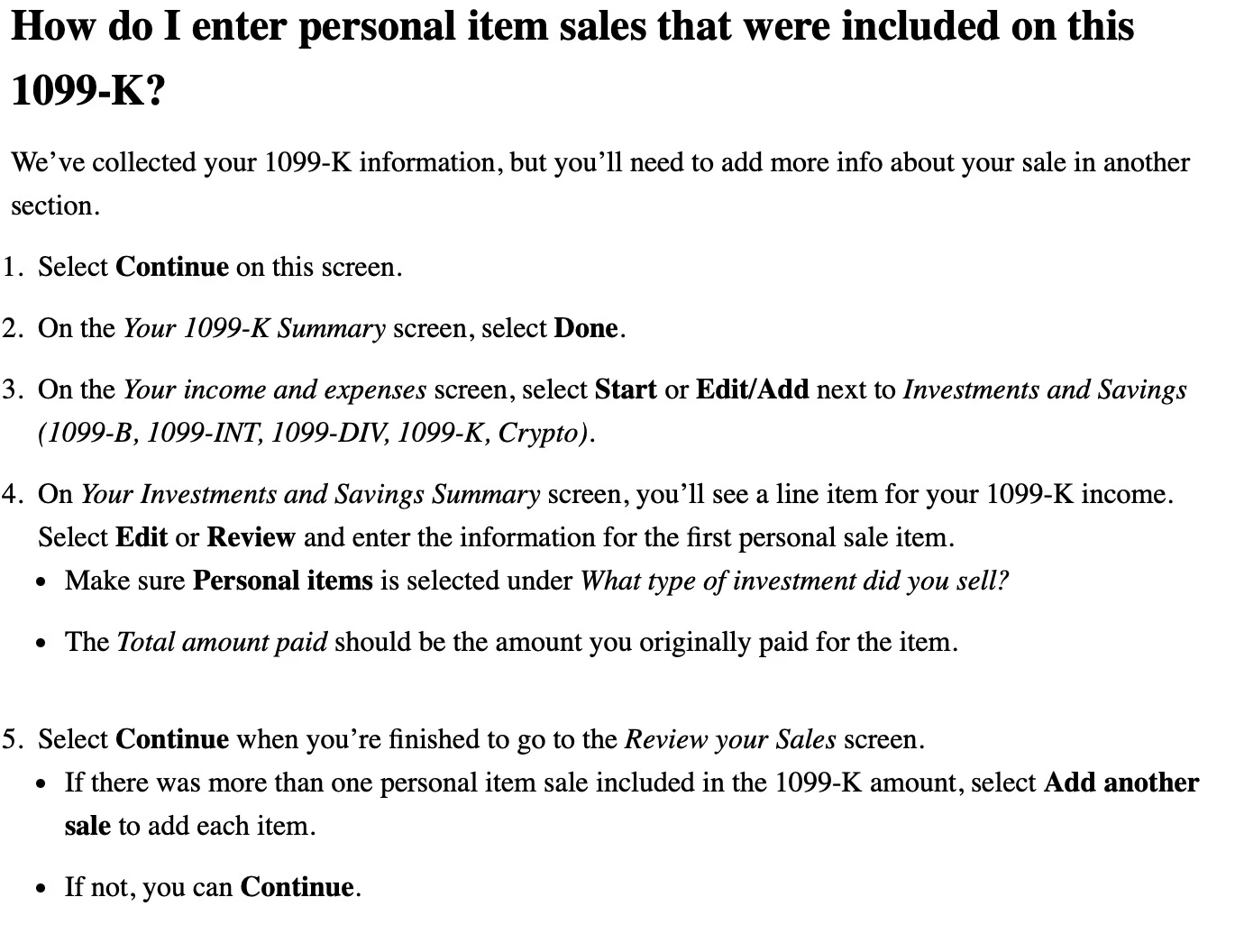
The instructions suggest that you need to enter the items on a different screen but I do not see these options on TurboTax Premium. Is this a bug or is there a different way to enter these items ?


I tried to follow these instructions but the items even though I choose personal items end up on 1099-B which is for stocks and is not a 1099-K


    1 reply

    February 8, 2025

    Anyone running into this, you will have to follow the below steps:
    1. Delete the 1099k Entry

    2. Save the file.

    3. Close TurboTax

    4. Add a new 1099k entry and change the name slightly

    5. Navigate to investment income and you should see the entry.

    February 8, 2025

    These sales can be entered directly into Investment Sales without entering the 1099-K if you choose.  

    • Keep in mind an personal use items sold at a loss would not be allowed to be used to reduce other income (example clothing, or yard sale type items you paid a higher amount than selling price).  The cost for these items would be the same as the selling price.

    To enter your sale in TurboTax, follow these steps. Click this link for more information. Where do I enter Investment Sales?

    1. Open or continue your return.
    2. Navigate to the investment sales section:
      • TurboTax Online/Mobile: Go to investment sales. If using this application, make sure it is open
      • TurboTax Desktop: Search for investment sales and then select the Jump to link. 
        • Or Personal Tab > Continue > I'll choose what I work on > Scroll to Investment Income > Select Stocks, Cryptocurrency, Mutual Funds, Bonds, Other
    3. Answer Yes to the question Did you sell any of these investments in 2024? (or Okay! to Time to kickoff your investments!).
      • If you land on  the Investment sales summary or Your investments and savings screen, select Add More Sales or Add investments.
    **Say "Thanks" by clicking the thumb icon in a post**Mark the post that answers your question by clicking on "Mark as Best Answer"
    February 9, 2025

    The guidance is not accurate. If you do add directly it shows as 1099-B but does not show it as linked to 1099K and also the Form 1099-K reconciliation doesn't reflect it accurately. It is s/w glitch at least in TurboTax Desktop version.




