February 20, 2024
Solved

Cost basis adjustment missing?

  • February 20, 2024
  • 3 replies
  • 0 views

I have downloaded my 1099B from my financial institution for 2023.  During the download there was never any question about adjusting for cost basis.  I see no opportunity to change this.  Is the only option this year to enter all the sales data manually from the beginning?  In all the years previously, I've never had to do that.
    Best answer by DoninGA

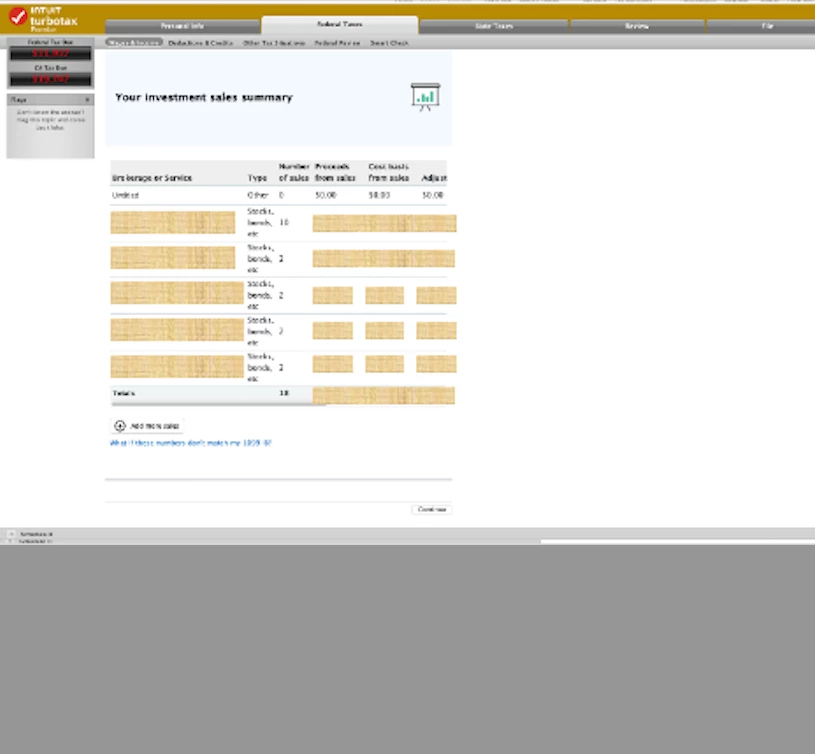
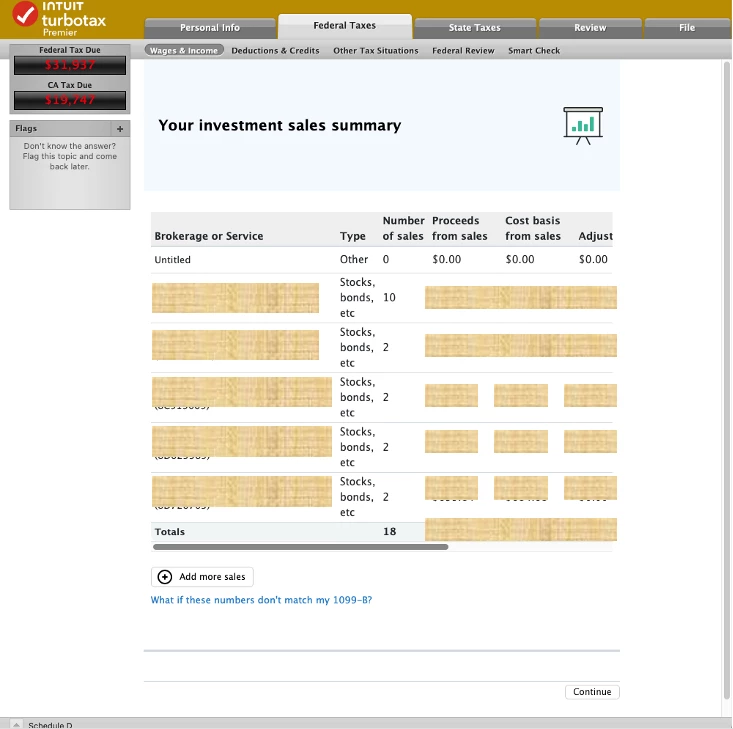
    Thanks for replying.  I've attached two window captures.  One is stretched relative to the other.  The table  doesn't stretch.  The numbers are selectable (like a table) but not editable.  And there are no 'edit' or 'trash' buttons ever visible. 


    @Sparky42 On both screen captures you posted there is a grey bar just underneath where Totals is showing.  That grey bar is a scroll bar.  Scroll that bar to the right and you will see the Edit button and the Trash Can symbol.

    3 replies

    February 21, 2024

    I think you mean you downloaded your Form 1099-B into TurboTax but you need to adjust the cost basis on some of the investment sales. If so, you don't need to enter everything from scratch, you just need to edit those entries on which you need to adjust the cost basis. You can do this by entering into the Investment Income section and editing the entries in the Stock, Cryptocurrency, Mutual Funds, Bonds, other section.  


    On the screen that says Review this (name of investment) qualifying sale check the box that says the cost basis is incorrect or missing on my form 1099-B. On another screen you will see an option to enter the correct cost basis.


    **Say "Thanks" by clicking the thumb icon in a post**Mark the post that answers your question by clicking on "Mark as Best Answer"
    Sparky42Author
    February 21, 2024

    Thanks for the reply.  I don't see an editor...

    When I go to Investment Income and click "update" on Stocks, etc, I get the page attached which has only the total roll-up for each account.  Clicking on "continue" just takes me back to the "Investment Income" page.  Clicking "What if these numbers..." is just about round-off.  I can't seem to get to a page to edit details...
    What to do?

    Thanks again.

    Sparky42Author
    February 28, 2024

    Note to TT --- this is still a problem, and I do not see any solution.  Direct download does not work with my Premier Mac desktop SW.   I can't go forward -- what to do????

    March 7, 2024

    My 1099B included the cost basis plus the net gain (or loss). I would check with your financial institution and ask why the information was omitted. If you get nowhere, it will probably take less time to hand enter the cost amounts than to argue with them. Annoying, to say the least!