February 18, 2025
Solved

Having trouble importing from Betterment

  • February 18, 2025
  • 1 reply
  • 0 views

I've done this for the past decade or so, but seem to be having an issue today.

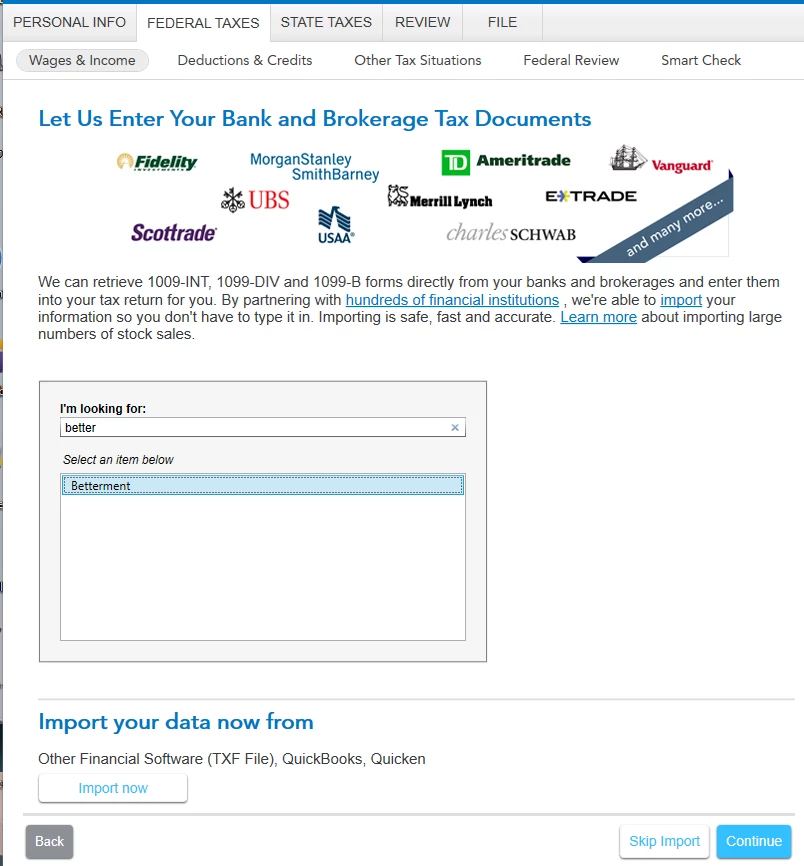
  1. Under Federal Taxes -> Wages and Income -> Let Us Enter Your Bank and Brokerage Tax Documents, I selected Betterment as the institution and clicked Continue.
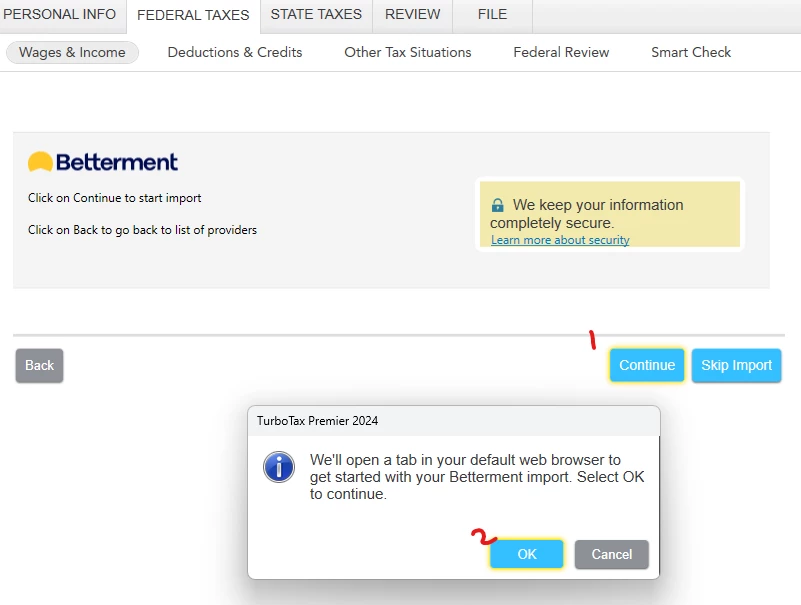
  2. Clicked Continue again, and then OK.
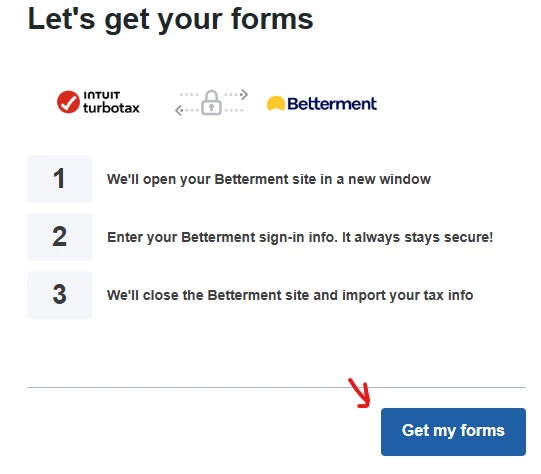
  3. Clicked Get My Forms.
  4. After entering username and password, the browser showed success.
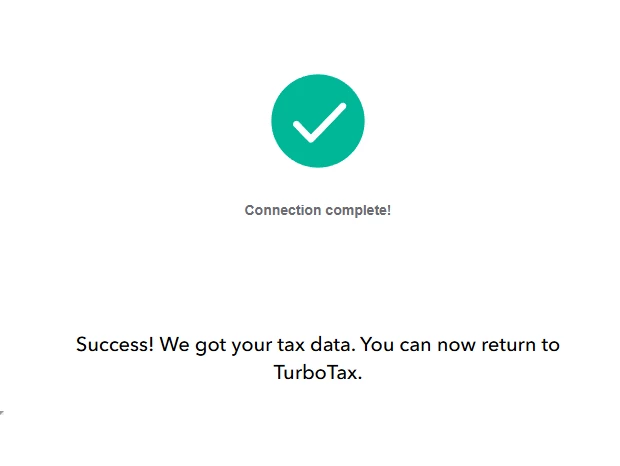
  5. I returned to TurboTax, which was still at Step #2 above. At this point, I can follow Steps 2->4 infinitely, the data never imports.


What am I doing wrong, and what should I be doing instead?

    Best answer by dbjordan

    OK turns out, the fix was to disable the adblocker in the browser. Apparently it didn't like something TT was trying to do. Not quite disabling antivirus for the whole system. . . but it got the job done. Thanks!

    1 reply

    February 18, 2025

    Did you check in the Income section, under Your 2024 Income Summary > Import Summary to see if your data imported?


    Some users have reported that they needed to enable 'third party access' in their brokerage account to import.  Others have stated that their usual Sign In to their brokerage account needed to be a Document ID instead (from PDF download of 1099 data). 


    Be sure you temporarily disable all anti-virus software (including modem). 


    Let us know if you can't resolve your issue after trying some of these options, and we'll try to help.


    Here's how to Contact TurboTax Support for more help.


    @dbjordan 

    dbjordanAuthorAnswer
    February 18, 2025

    OK turns out, the fix was to disable the adblocker in the browser. Apparently it didn't like something TT was trying to do. Not quite disabling antivirus for the whole system. . . but it got the job done. Thanks!