March 9, 2024
Solved

How do I remove Form 8889-T

  • March 9, 2024
  • 1 reply
  • 0 views

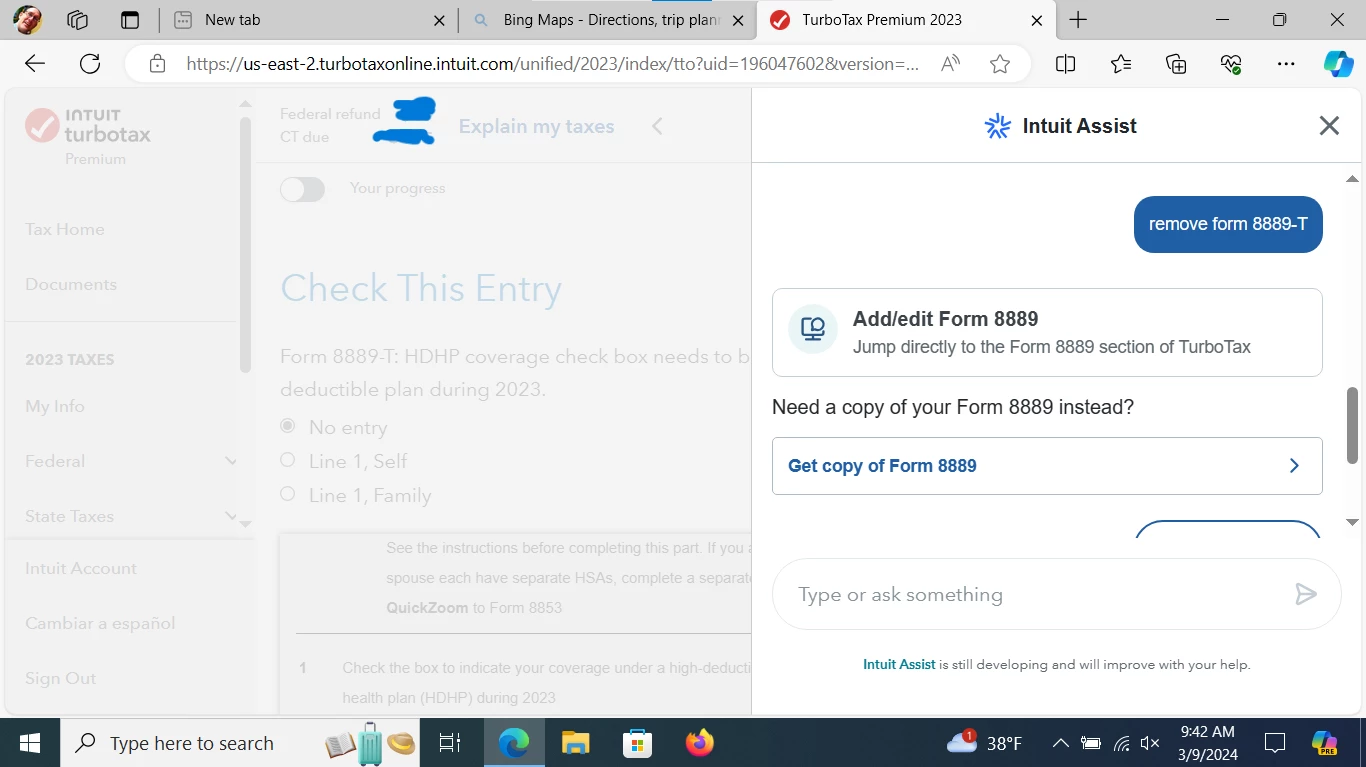
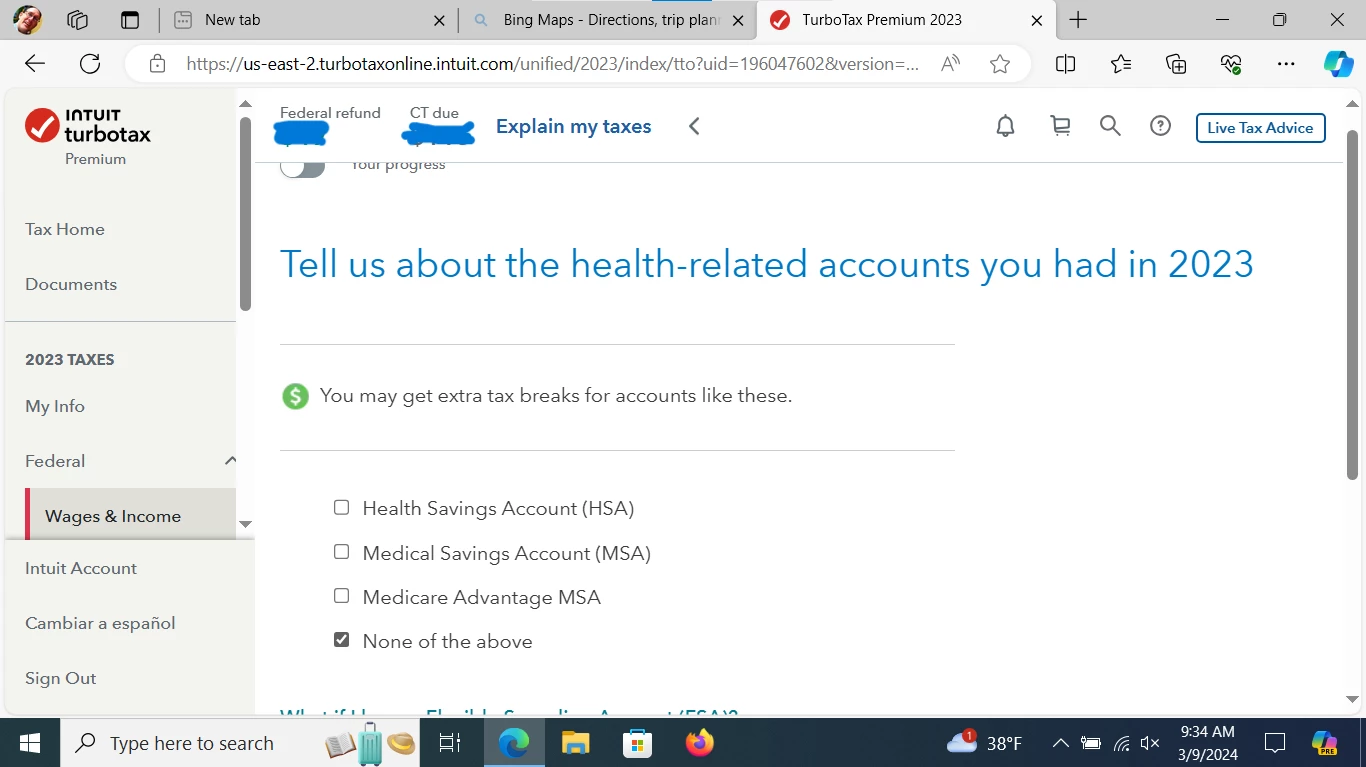
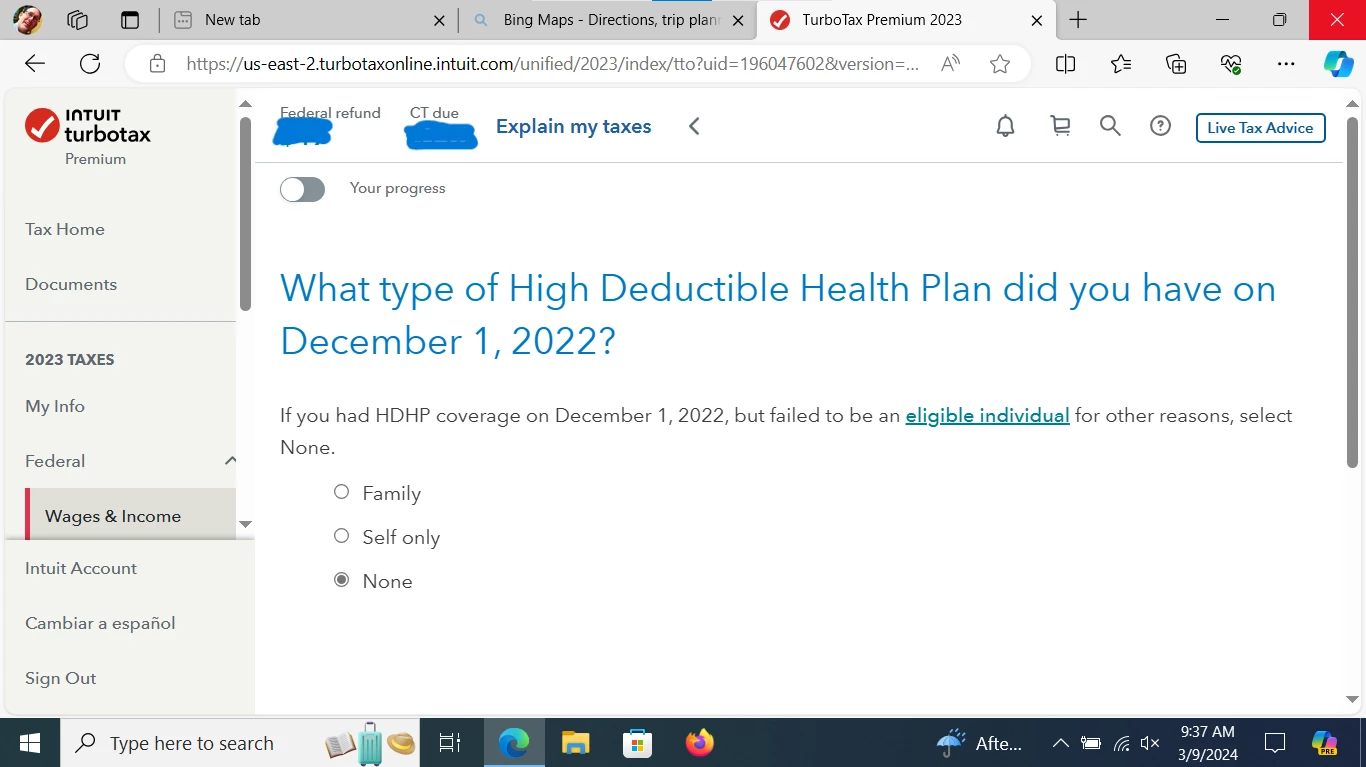
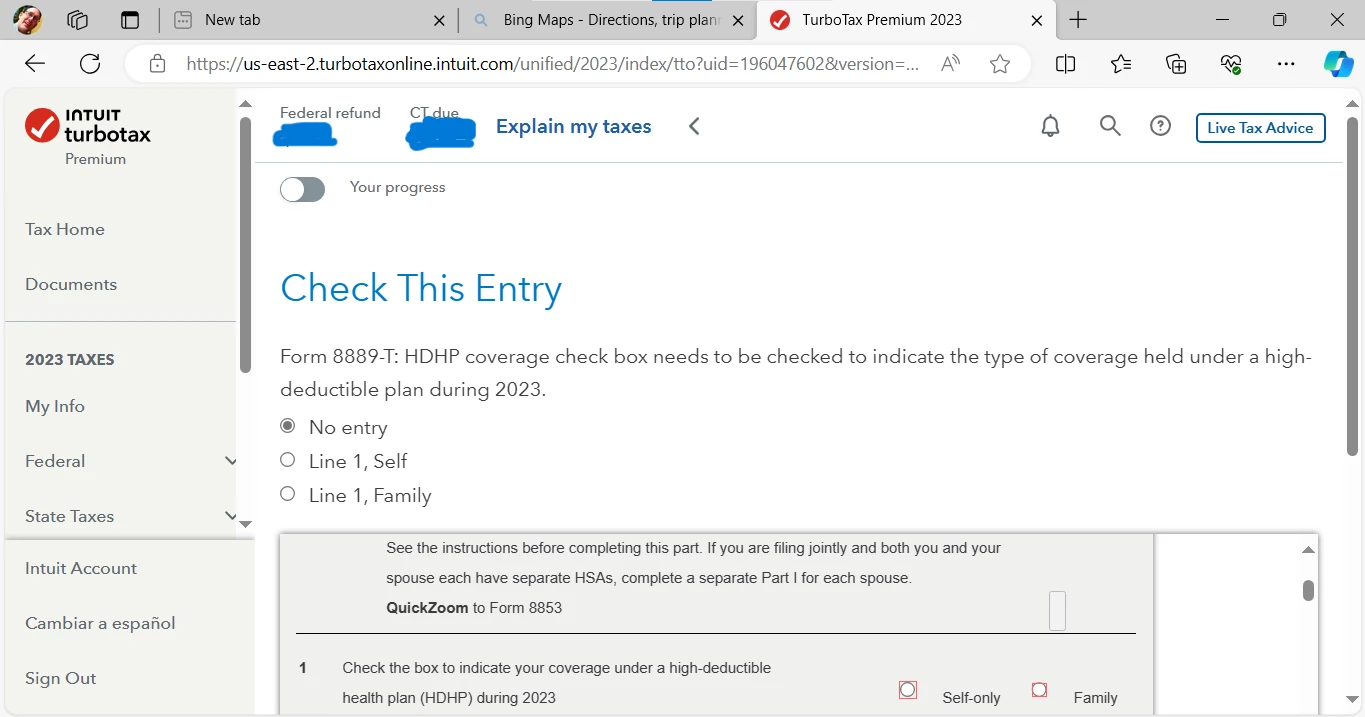
I mistakenly entered data for an HSA on a prior year. I do not have a HDHP.


How do I correct TurboTax to remove references to the HSA for my current year return?


I tried using the Assistant (see attached), my results were not successful.


    Best answer by JohnB5677

    Yes, You can delete the form, but you can use a different process.


    First try to delete the record by selecting the Trash Can on the right side of the record.  

    It looks like you may have tried this.


    If this doesn't work, you can follow these steps.


    On the menu bar on the left.


    1. Select Tax Tools
    2. On the drop-down select Tools
    3. On the Pop-Up menu select Delete a Form
    4. This will give you all of the forms in your return
    5. Scroll down to the form you want to delete
    6. Select the Form 8889-T
    7. Click on Delete 
    8. Always use extreme caution when deleting information from your tax return.  There could be unintended consequences.

    1 reply

    JohnB5677
    JohnB5677Answer
    March 9, 2024

    Yes, You can delete the form, but you can use a different process.


    First try to delete the record by selecting the Trash Can on the right side of the record.  

    It looks like you may have tried this.


    If this doesn't work, you can follow these steps.


    On the menu bar on the left.


    1. Select Tax Tools
    2. On the drop-down select Tools
    3. On the Pop-Up menu select Delete a Form
    4. This will give you all of the forms in your return
    5. Scroll down to the form you want to delete
    6. Select the Form 8889-T
    7. Click on Delete 
    8. Always use extreme caution when deleting information from your tax return.  There could be unintended consequences.
    **Say "Thanks" by clicking the thumb icon in a post**Mark the post that answers your question by clicking on "Mark as Best Answer"