VAer
Employee
March 1, 2025
Solved

How to enter Section 1256 summary (SPX option) on Turbo website?

  • March 1, 2025
  • 1 reply
  • 0 views

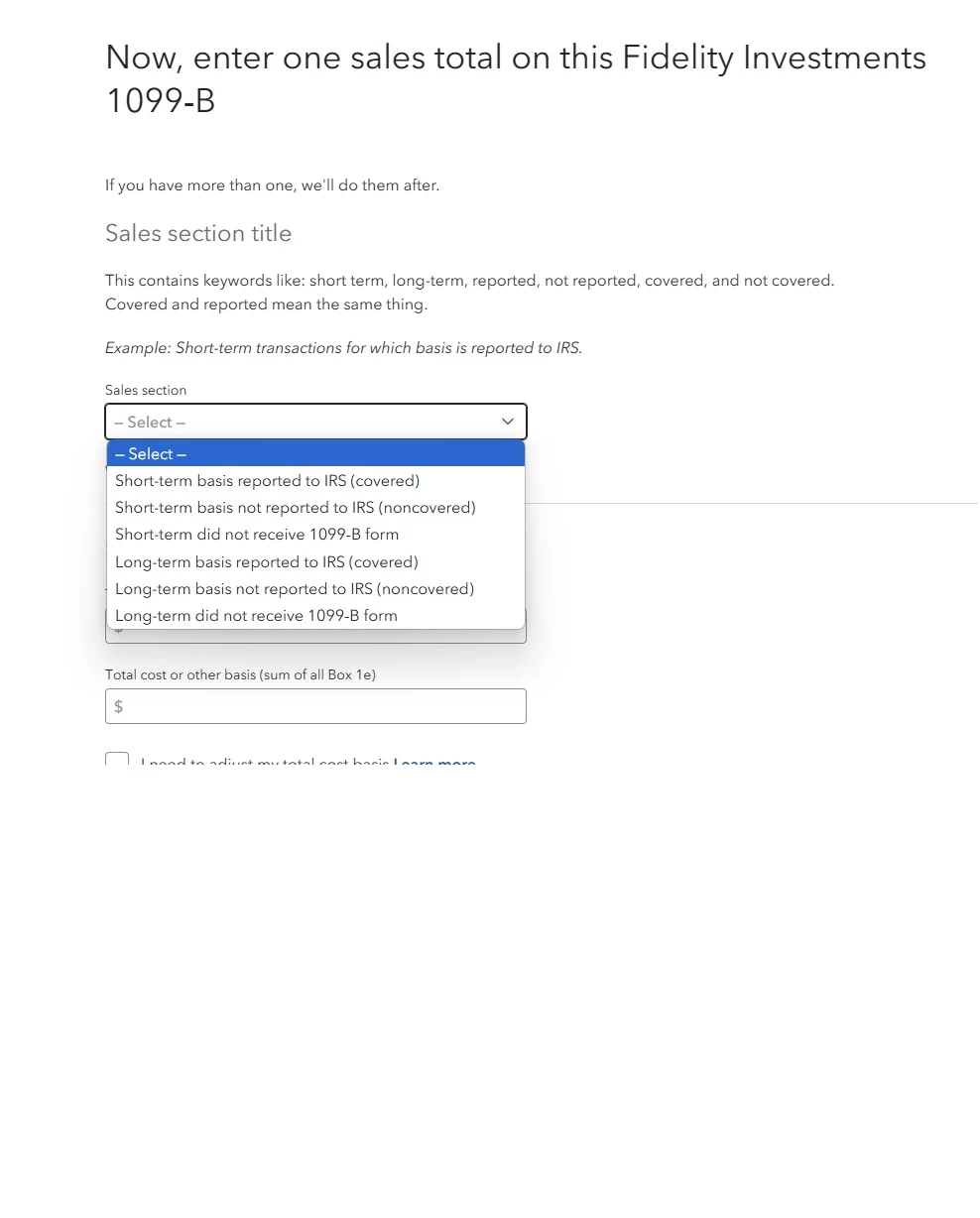
Section 1256 summary (SPX option): It is in form 1099B, but how can I enter summary data from there? 

Index option (SPX option) should be section 1256, and use IRS form 6781.


I don't remember how I entered Section 1256 data in Turbo desktop software before, but I am using TurboTax website now. I have not decided if I will use Turbo yet, just using its website to see the result first.



Best answer by DawnC

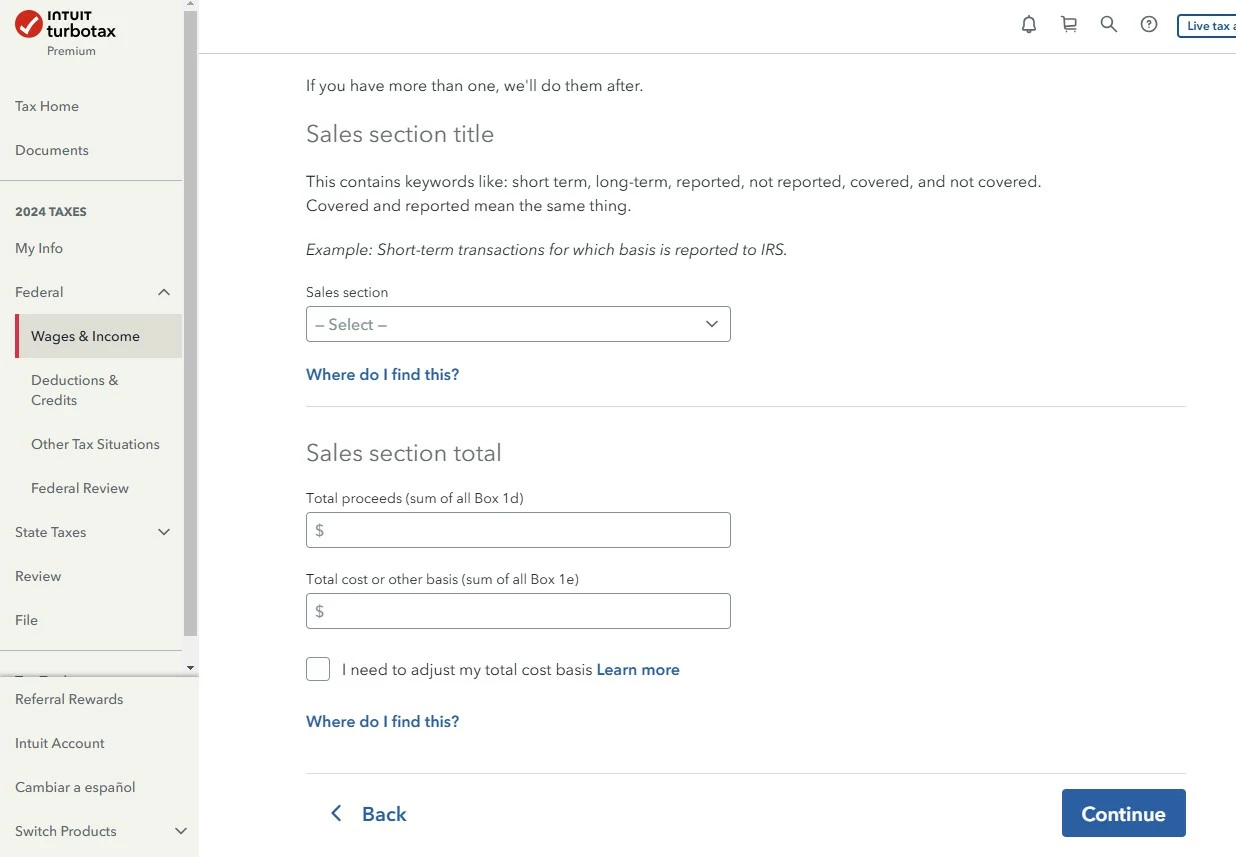
Delete that entry.   And use the Contracts & Straddles entry screen.   It is under Less Common Investments and Savings.  See image below.   You can also search for contracts and use the jump to link to get there.  


How to delete forms in TurboTax Online


1 reply

DawnC
DawnCAnswer
Employee
March 1, 2025

Delete that entry.   And use the Contracts & Straddles entry screen.   It is under Less Common Investments and Savings.  See image below.   You can also search for contracts and use the jump to link to get there.  


How to delete forms in TurboTax Online


**Say "Thanks" by clicking the thumb icon in a post**Mark the post that answers your question by clicking on "Mark as Best Answer"
VAer
VAerAuthor
Employee
March 1, 2025

@DawnC  Thanks.