

TurboTax 2018 - trapped in the CA state download/install loop
Hi,
I tried to come back to the Tax preparation.
As I click the app on Mac, it led me to update the Federal and State SW.
As I go through the update/install steps, I encountered following message - "The Tax return you are attempting to load contains one or more state tax forms which are not installed on this machine. Please install California to continue."
So I followed the instruction step by step to download & install CA state package.
The download & install completed successfully but I still encounter the warning message above and I had to do the download & install process all over again, but I couldn't get out of the CA package install/update loop.
Please help me.
See the pictures below:
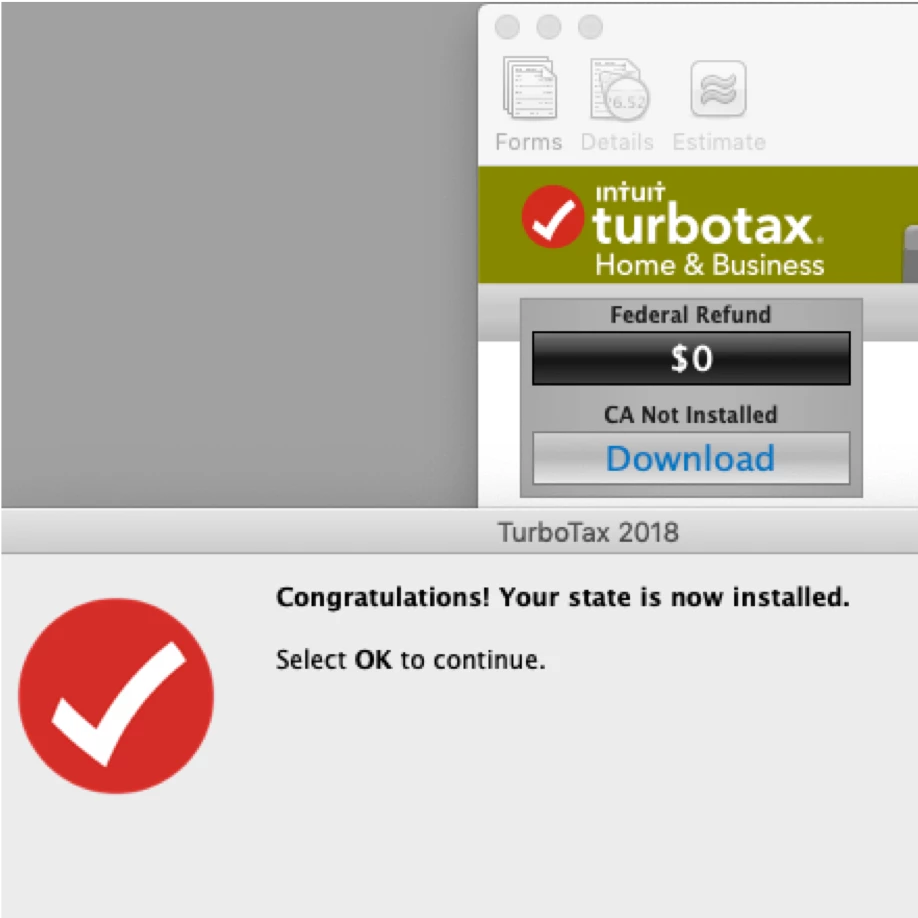
TT reports successful installation.
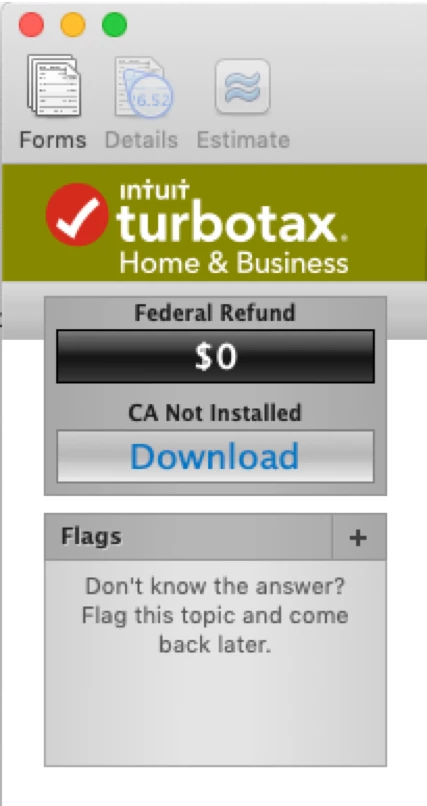
But after the restart of Mac or TT , it still says "CA not installed" 🙎









