
February 4, 2025
Question

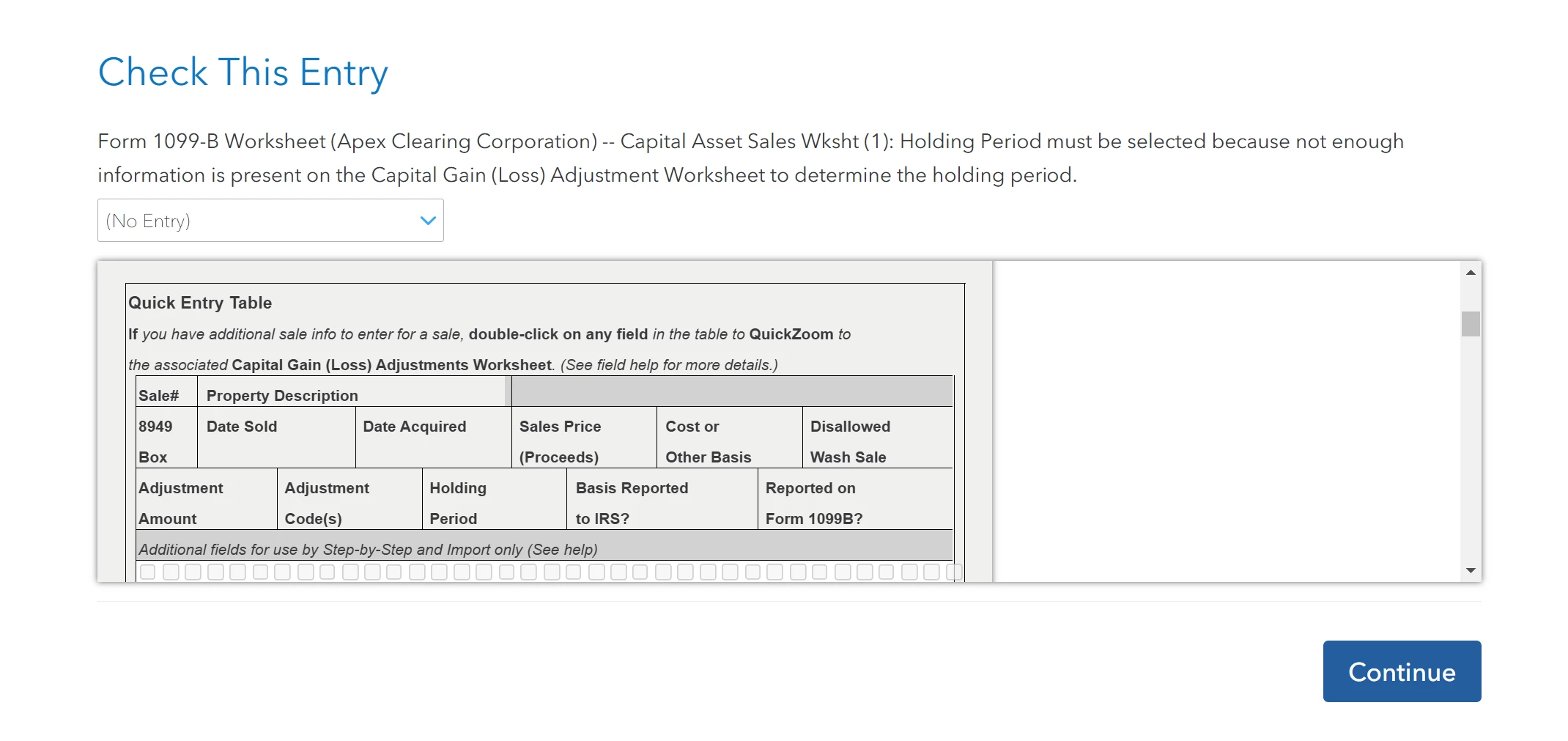
"Check This Entry"It is asking me to enter "Date Acquired" for a stock market option, but wont accept the date when I type it in. It just refreshes the page.

  • February 4, 2025
  • 1 reply
  • 0 views

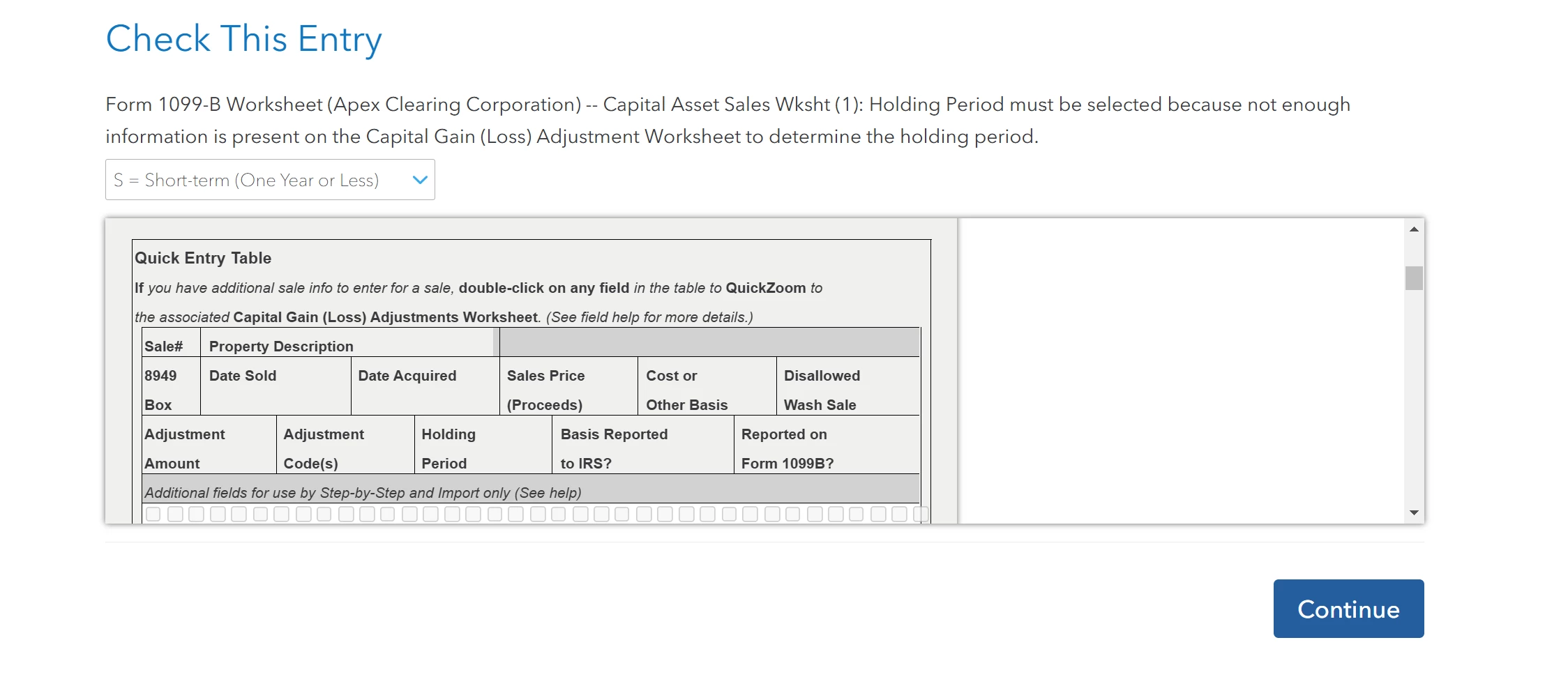
In the review portion it is asking me to "Check this entry" It wants me to enter the "Date Acquired" of an stock market option. When I enter the information, it just refreshes the page and asks for the same information. I am not sure what is happening.  I have attached an example below, same document, different field being asked to input something that doesnt save.
    1 reply

    AmyC
    Employee
    February 11, 2025

    Something on the form is not holding the information. A full or corrupted cache can cause problems in TurboTax, sometimes you need to clear your cache (that is, remove these temporary files). You need to delete the form while following the steps below:


    Online version:

    1. Delete the form/ worksheet- if possible, see How to Delete  
    2. Log out of your return and try one or more of the following:
      • Don't use Internet Explorer.
      • Clear cache and cookies,
      • Sign in using a different browser.
      • Sign in using a different device.
    3. Log back into your return.
      • Enter the information again.


    Desktop version: 

    1. Delete the form
    2. Save your return while closing the program.
    3. Update the program
    4. Open
    5. Enter the information again.
    **Say "Thanks" by clicking the thumb icon in a post**Mark the post that answers your question by clicking on "Mark as Best Answer"




