
March 26, 2021
Question

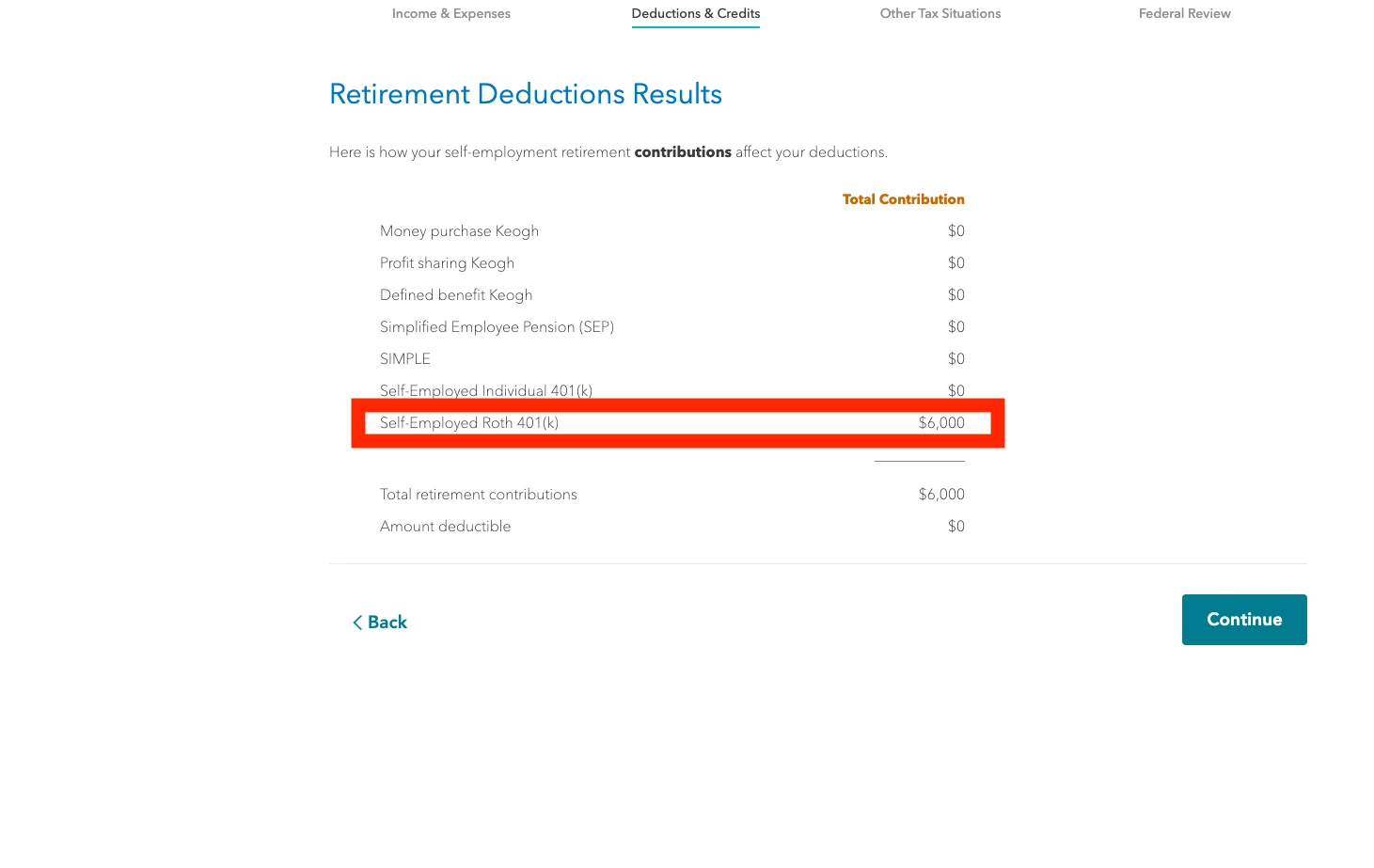
Where do I change the total contribution for "Self-Employed Roth 401(k)"? I somehow set it up to a wrong value that I need to erase.
  • March 26, 2021
  • 1 reply
  • 0 views

Hi guys!


I need to change the below value to 0. Where do I do this exactly? I've looked everywhere in the help section and cant find anything.


1 reply

March 27, 2021

If you are using TurboTax Online Self-Employed, you can find the self-employed retirement contributions section by going to Federal > Income and Expenses and then scrolling down to the Other Business Situations section.  Click Start or Update beside Self-Employed Retirement Plans.


If you are using TurboTax CD/downloaded Home and Business version, start by going to the Business tab at the top of the screen.  Then, scroll down to Less Common Business Situations and click Start or Update beside Self-Employed Retirement.

**Say "Thanks" by clicking the thumb icon in a post**Mark the post that answers your question by clicking on "Mark as Best Answer"
March 28, 2021

Thank you Annette! That sounds like the right answer but when I follow your instructions I receive the message in the screenshot attached. Not sure why.


March 28, 2021

Do you have Self-Employment Income for 2020?


@UsedVanilla33




