I found how to remove the NC exempt Dividend-Interest from my NC return. In Forms Mode I went to the Form 1099-DIV for the Merrill Lynch data that came in via import. The form says Form 1099-DIV Worksheet. Going down to Box 12 I entered: NC as the resident state ID, then the amount that came from NC. On the next line I entered XX (to indicate all other states) and then the balance of the exempt Div-Int. It then worked its way through correctly to the NC return.
@BobbyC777 Doing it that way "can" work, but it's easier to do it in the interview....(and people using the "Online" software can't, since they don't have access to Forms Mode). When in Forms Mode, one does have to know how to use the table there...and know that XX is used for lumping the remainder of the $$ as "More than one state"
BUT..Shouldn't be a significant difference between Premier and Deluxe Desktop software for that.
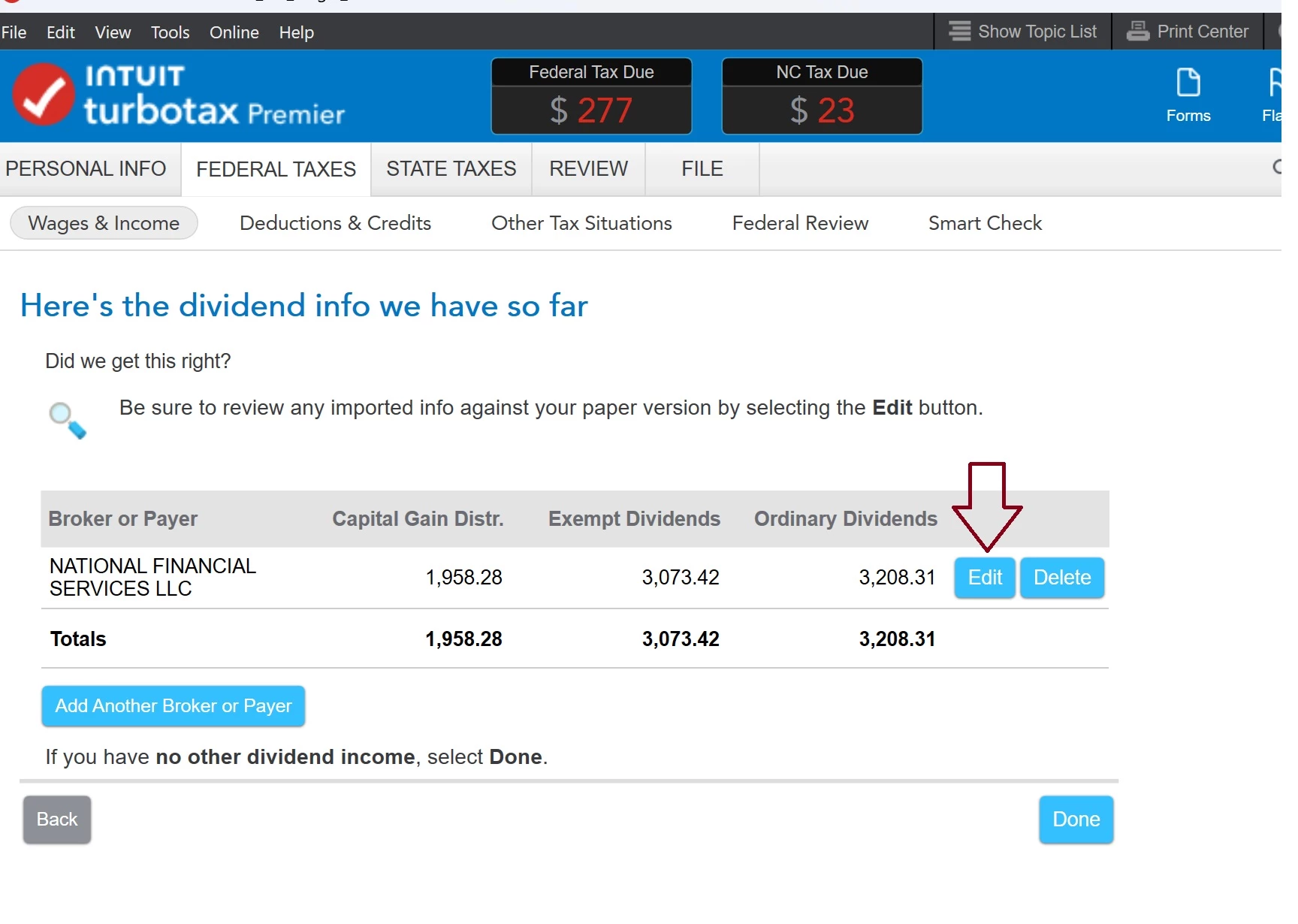
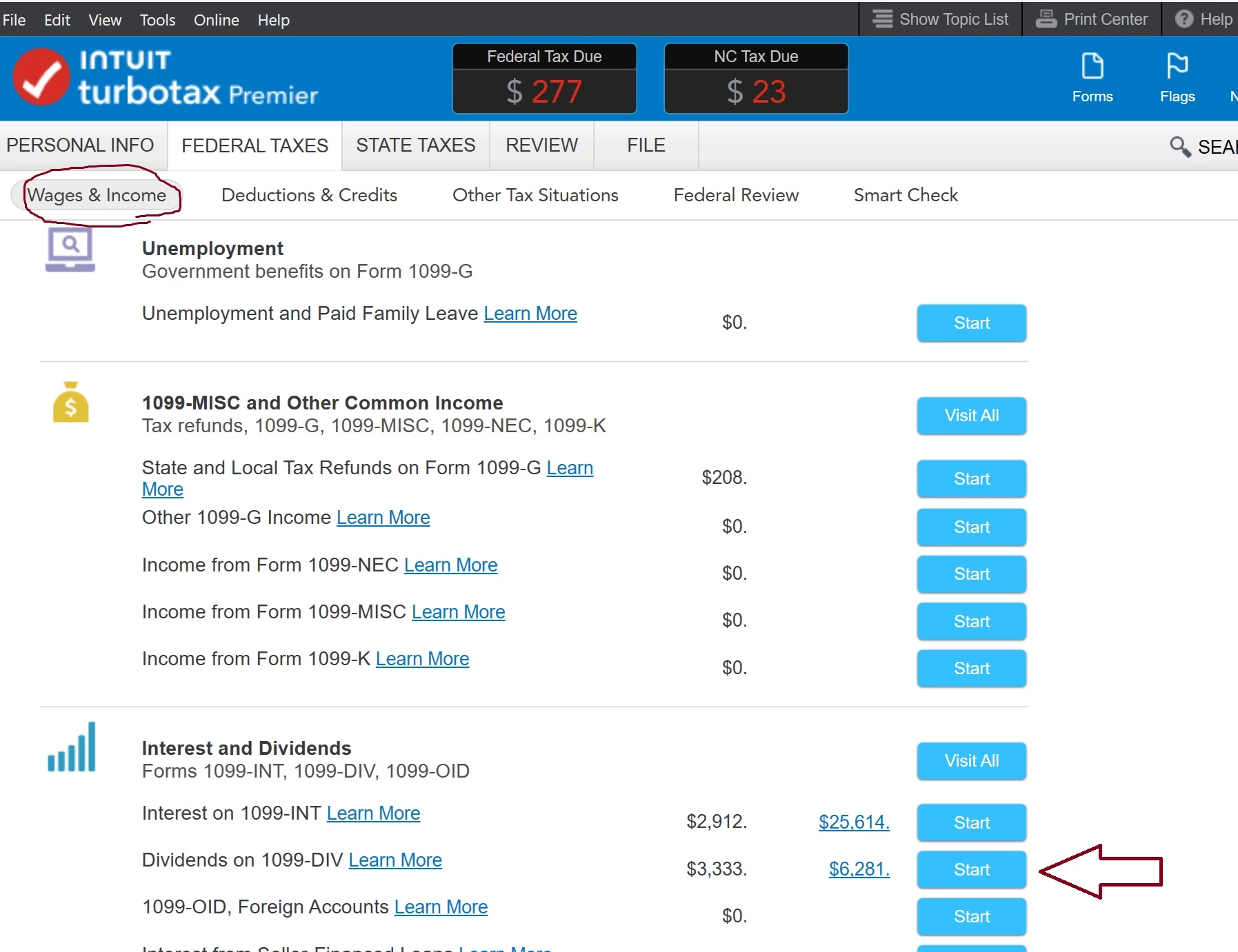
Yeah, you imported your form, and there's some handwaving post-import stuff that keeps changing as the software folks fool around with the software....but...you still could have navigated to the page I showed above, by going back to the Wages&Income page menu, going down to the 1099-DIV entry area, and going in and editing that 1099-DIV form. Then just stepping thru the pages for that form to see the allocation page.
You should practice how this is done for the future...as the same process is used when allocating $$ to NC when you hold individual NC bonds and the $$ are reported in box 8 on a 1099-INT form.
_________________________________________
____________________________________________