

Question
Viewing state tax return breakdown in free edition
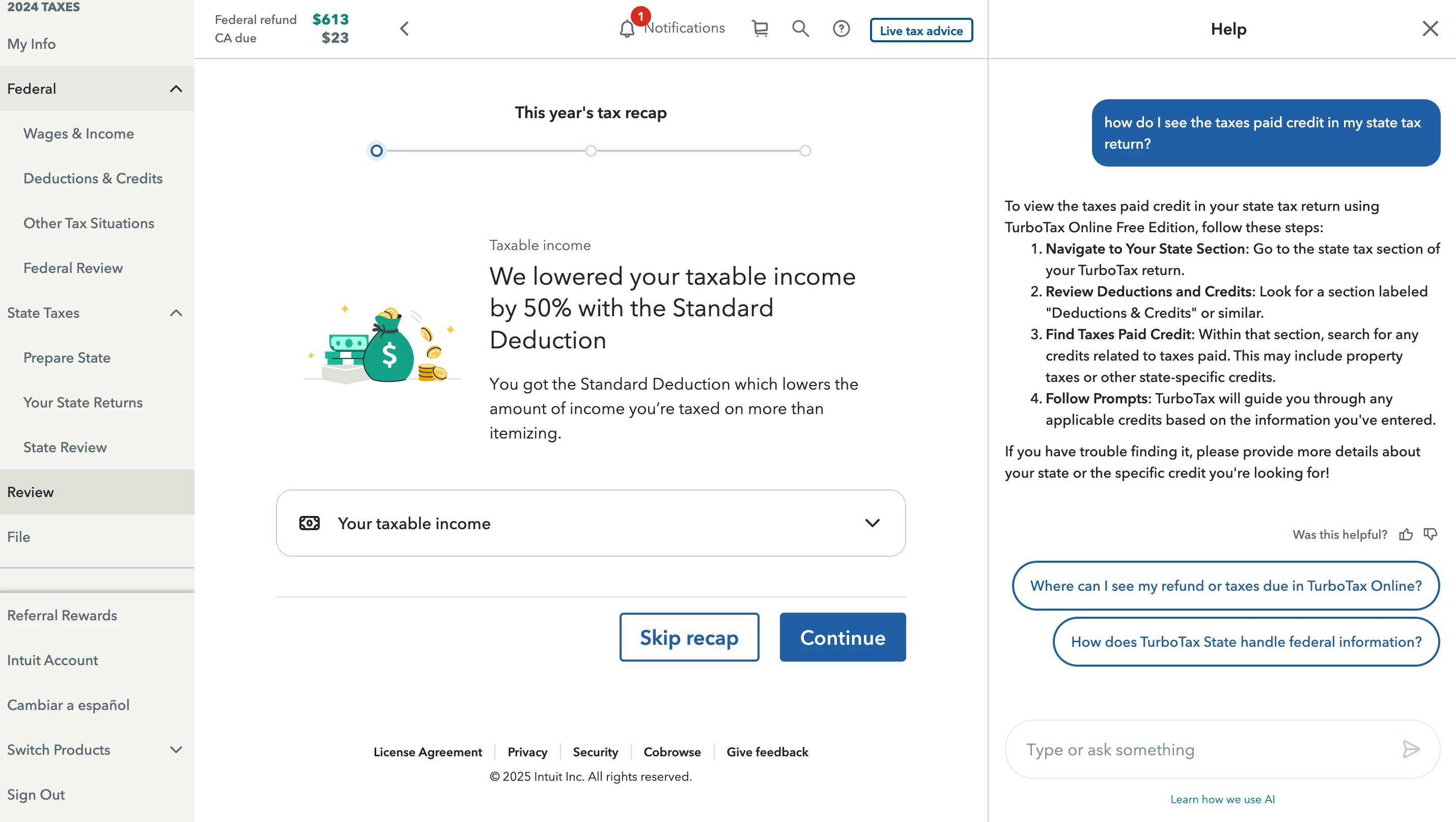 I am trying to review the "Deduction and Credits" section of my State Tax Return so that I can confirm the taxes paid credit is correct. The help says that there should be a tab labeled "Deductions and Credits" under both the Federal and State Tax Return sections. However it is only showing that label under Federal and it's showing nothing at all for State. Where can I find this section so I can check that the taxes paid credit is accurate before I submit it.









