

TurboTax 2023 State Forms Not Loading after Download
Since nothing else has worked, regardless of how many computers I try, I thought I'd give a detailed (pics) description of a looping error with the state download(s) from within TurboTax 2023. We'll start with the familiar setup that shows the following:
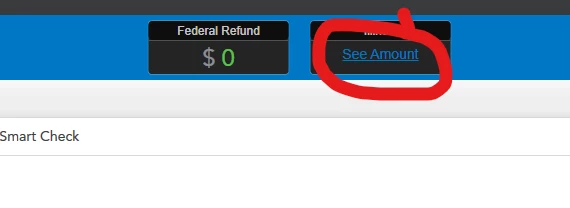
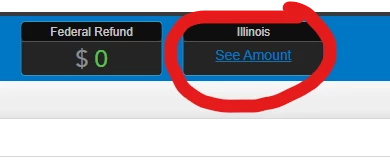
1 - State has not loaded and you want to load it via the top of the screen OR using step-by-step. Results are the same either way. Click on "See Amount"
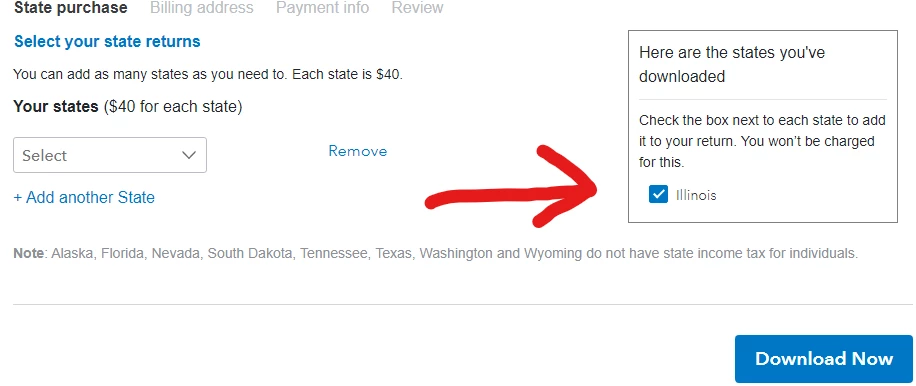
2 - Save the file and the State purchase screen appears. As you can see, I've already downloaded my free state - in this case, Illinois. Click "Download Now"
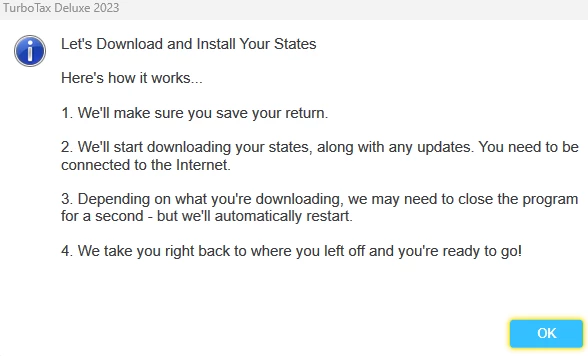
3 - Up pops the following screen. Click "OK" and proceed.
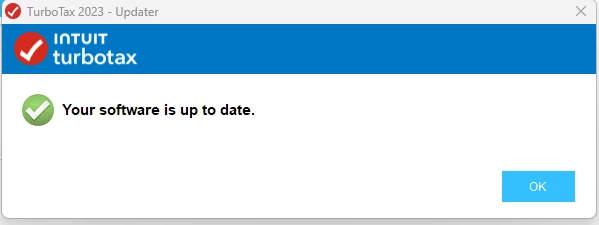
4 - After working for a few seconds, this appears. Again, click "OK" and, sadly, nothing has changed and you are right back where you started.
Yes, I've tried the steps listed here: https://ttlc.intuit.com/turbotax-support/en-us/help-article/electronic-filing/state-install-e-file-update-loop-state-installed-e/L0heOIxUQ_US_en_US?uid=lq6yh3vm
Nothing works! Anybody get past this point and can help??









